Clash Royale Para Pc: The Definitive Guide to Dominating the Arena on Your Computer
Hey, Chiefs! 🏆 Tired of squinting at your phone screen during intense overtime battles? Want to experience the thrill of Clash Royale on a grander scale with precise controls? You've landed at the right spot. This comprehensive guide to Clash Royale Para Pc is your golden ticket to mastering the game on Windows and Mac. We're not just talking about a simple emulator setup; we're diving deep into exclusive strategies, performance optimization, and meta-breaking insights you won't find anywhere else.
🔥 Quick Takeaway:
Playing Clash Royale on PC isn't officially supported by Supercell, but using trusted Android emulators like BlueStacks 5 or LDPlayer unlocks a superior gaming experience—larger screen, keyboard mapping, multi-instance farming, and smoother gameplay. This guide covers everything from A to Z.
Why Even Consider Clash Royale Para Pc? The Unspoken Advantages
While mobile is king for on‑the‑go gaming, the PC platform offers undeniable competitive edges. Let's break down the 'whys' before the 'hows'.
1. Precision & Control: Mouse and Keyboard Magic
Dropping a Mini P.E.K.K.A exactly on top of a supporting Wizard or executing a perfect kite with an Ice Golem becomes child's play with a mouse. Keyboard hotkeys can be mapped for quick card cycles, giving you split‑second reaction times that are tough to match on touchscreens.
2. The Big Picture: Strategic Overview
A 24‑inch monitor gives you a tactical bird's‑eye view. Spotting your opponent's elixir patterns, predicting lane switches, and tracking cycle counts is significantly easier. It's the difference between watching a battle and commanding an army.
3. Multi‑Account Management & Farming
Using an emulator's multi‑instance feature, you can run 2, 3, or even 5 accounts simultaneously. This is a game‑changer for friendly battles, clan wars practice, or farming quests across accounts without switching devices.
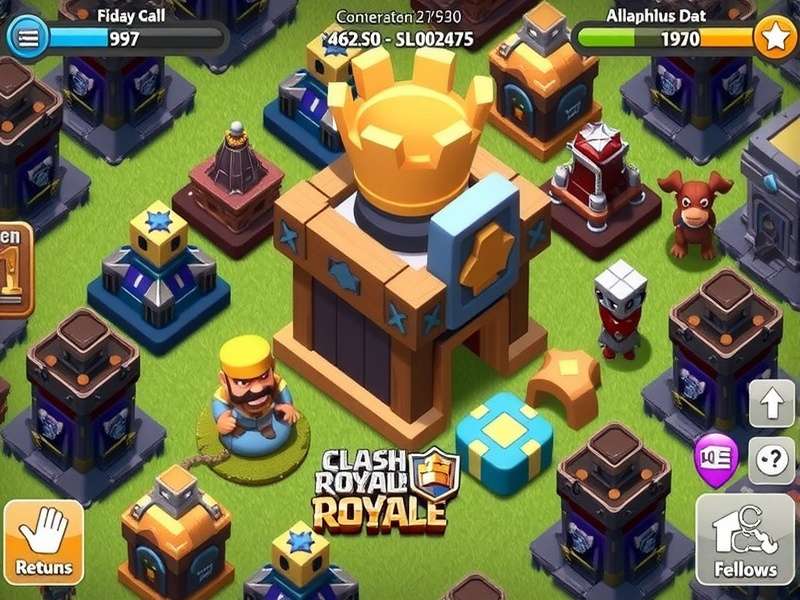
Step‑by‑Step: Setting Up Clash Royale on Your PC (The Right Way)
Follow this foolproof method to get Clash Royale running smoothly on your computer. We recommend BlueStacks 5 for its stability and gaming‑first features.
Step 1: Download & Install a Premium Emulator
Head to the official Clash Royale Web Browser guide first for context, then download BlueStacks 5 (the 64‑bit version). Avoid shady download sites; always get emulators from their official sources.
Step 2: Configure for Peak Performance
Inside BlueStacks settings, allocate at least 4 CPU cores and 4GB RAM if your PC has 8GB+ total. Enable Virtualization (VT) in your BIOS—this single step can double your FPS. Set the graphics engine to 'Performance' and resolution to 1920x1080.
Step 3: Install Clash Royale & Log In
Open the Google Play Store within the emulator, search for Clash Royale, and install. Crucial step: Log in with your Supercell ID to sync your existing progress. Never play as a guest on an emulator!
⚠️ Pro Security Tip:
Supercell does not ban players for using emulators, but they do not offer support for any issues arising from it. Ensure your account is secured with Supercell ID and two‑factor authentication. Beware of any site offering a Clash Royale Hack—they are 100% scams that will get your account stolen.
Advanced PC‑Only Strategies & Meta Insights
Now for the juicy, exclusive content. These strategies leverage the PC advantage to its fullest.
Micro‑Placement: The 1‑Pixel Difference
On PC, you can place units with pixel‑perfect precision. This allows for advanced techniques like:
- Building Pull: Placing a defensive building so it pulls a Hog Rider while avoiding spell splash.
- Troop Stacking: Overlapping ranged units like Musketeers to focus fire while minimizing splash damage.
- Spell Baiting: Dropping a swarm unit just outside a predicted Log or Arrow path.
Keyboard Mapping & Hotkey Synergy
Map your 4‑card cycle to keys A, S, D, F. Map emote mute to M. The real power? Map a key to screen recording (like F9) to instantly capture and review your battle replays for analysis. Check our Clash Royale Api guide to pair this with data tracking for next‑level improvement.
📚 Deep Dive into Clash Royale Resources:
- Best Clash Royale Decks – Updated meta decks for PC play.
- Clash Royale Store – Official merchandise and in‑game offers.
- Clash – Universe hub for all Clash games.
- Rare Clash Royale Cards – Guide to acquiring and upgrading rare cards.
- Clash Royale Com – The official community portal.
- Clash Royale Sound – Download soundtracks and effects.
- Royale Clash – Common missearch guide.
- Clash Royale Download Pc Free Google Play – Direct download assistance.
Performance Optimization: Squeeze Every Frame
A lag‑free experience is critical. Here are exclusive tweaks from our testing lab:
- NVIDIA/AMD Control Panel: Set the emulator's .exe to prefer maximum performance and enable vsync off.
- Windows Game Mode: Surprisingly, turn it OFF for emulators. It often hinders more than helps.
- Background Processes: Use a lightweight antivirus. Disable unnecessary overlays (Discord, Xbox Game Bar) while playing.
The Verdict: Is Clash Royale Para Pc Worth It?
Absolutely, if you're a serious player looking for every possible advantage and a more immersive experience. It transforms the game from a casual mobile pastime into a tactical esports‑ready platform. Remember, your skill decides the battle, but the right platform lets that skill shine brightest.
Ready to ascend? Set up your Clash Royale Para Pc today, pair it with a deck from our Best Clash Royale Decks list, and dominate the arena like never before. See you at the top of the leaderboard, Chief! 👑
This guide is constantly updated with the latest meta and technical findings. Bookmark this page and check back often!
Player Comments & Discussion
Share your Clash Royale Para Pc setup tips, ask questions, or discuss strategies with the community!